
Running a restaurant involves much more than preparing great food. Teams take orders, process payments, coordinate with the kitchen, monitor stock, work with suppliers, and review daily performance. When these activities are spread across paper records and disconnected tools, information is harder to track and small mistakes can interrupt service. A restaurant Point of Sale (POS) system brings these workflows into one digital environment - helping teams record transactions consistently, keep information organized, and review business activity more easily.
Make billing more organized
A POS interface lets staff select menu items and calculate totals using configured prices, taxes, and discounts. Depending on the system, it may support split bills, multiple payment methods, receipts, refunds, and transaction history. Staff should still verify orders and follow the restaurant's payment and correction procedures.
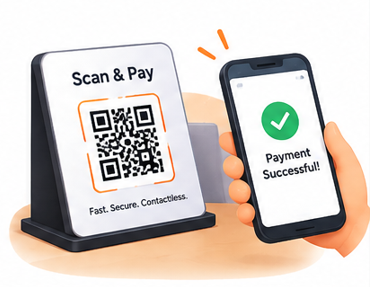
Beyond the counter, contactless "Scan & Pay" QR codes let diners settle their own bill from the table. The payment confirms instantly on their phone and syncs back to the POS, so front-of-house staff spend less time running cards back and forth and more time on service.
Connect orders with kitchen workflows
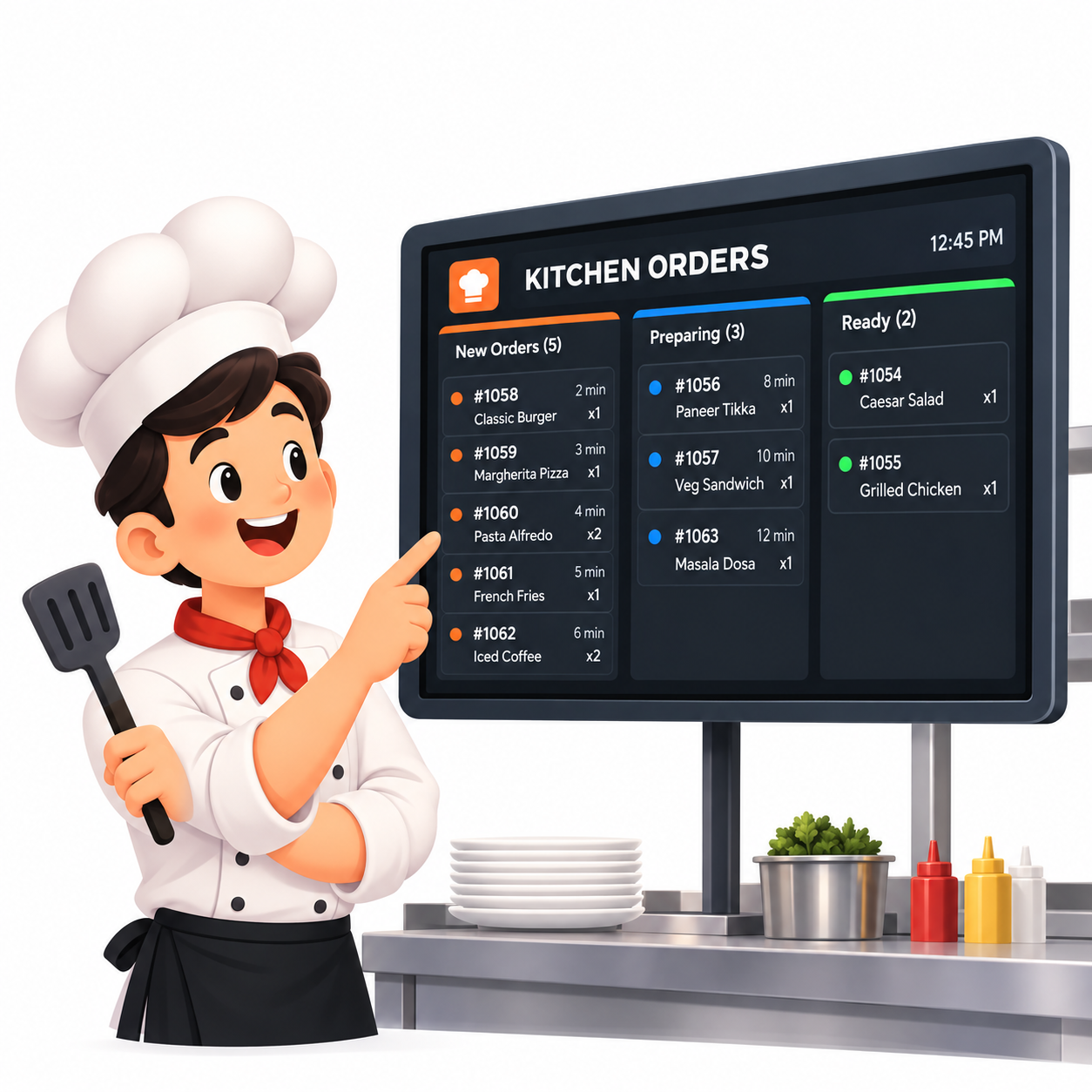
Digital Kitchen Order Tickets (KOTs) or kitchen displays send order details from the counter or service team straight to kitchen staff. Order-status visibility - what is pending, being prepared, or ready - helps the whole team coordinate. Clear procedures remain important when customers modify an order.
A dedicated Kitchen Display System (KDS) replaces printed tickets with a live, color-coded board split into "New," "Preparing" and "Ready" columns, so chefs always know what to start next without walking back to a printer.
Keep inventory visible
Inventory tools record purchases, stock adjustments, wastage, and available quantities. Some systems link menu sales to recipe ingredients, though this needs accurate recipes and setup. Low-stock indicators help teams spot items that need replenishment before they run out mid-service.
Use reports to understand sales
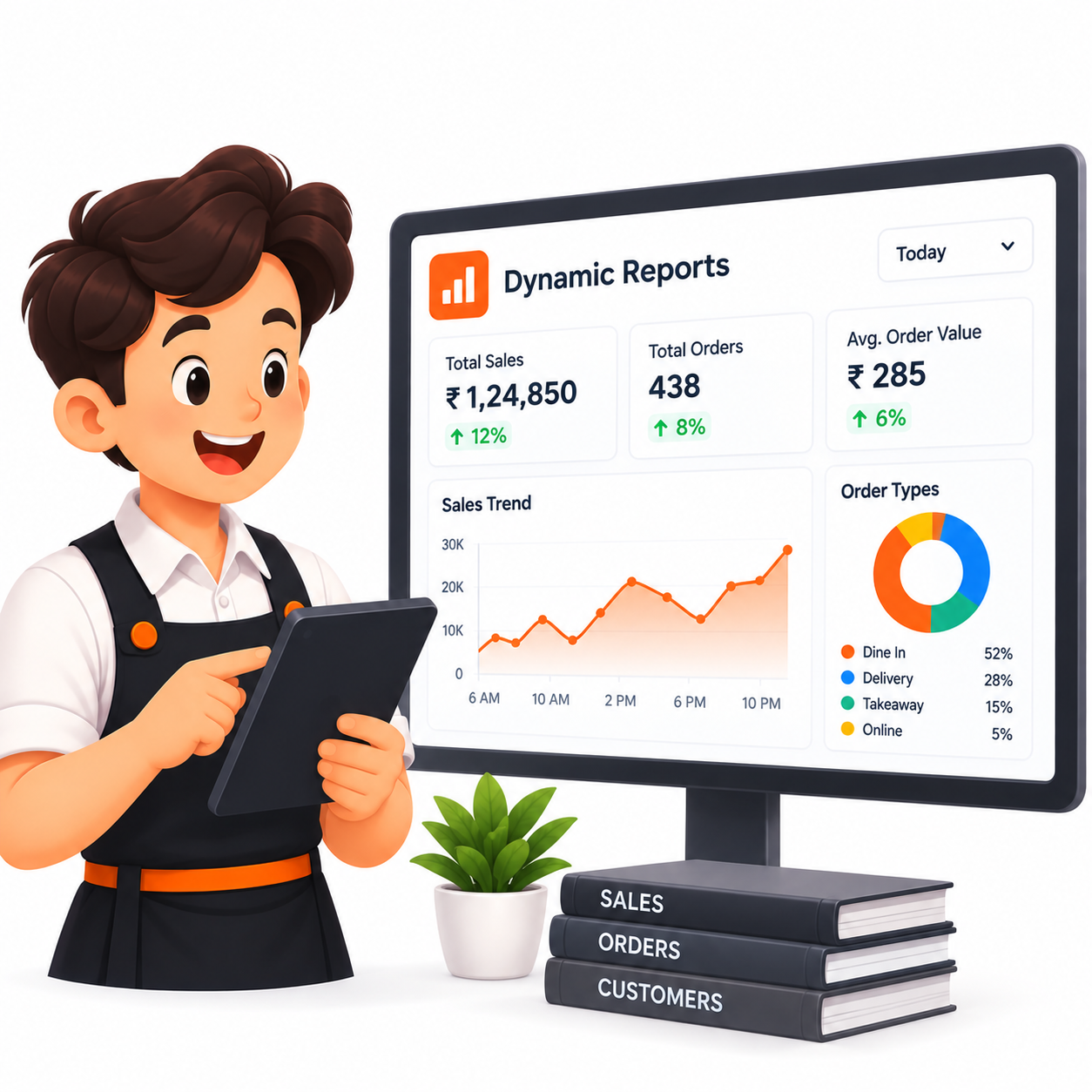
Reports summarize recorded sales, transaction counts, payment types, discounts, and popular menu items. Comparing periods can reveal patterns, such as differences between weekdays and weekends. Remember that sales volume alone does not equal profit - ingredient costs and other expenses matter too.
A dynamic reporting dashboard turns those raw numbers into something a manager can act on the same day: total sales, order count and average order value at a glance, a sales trend chart across the day, and a breakdown of dine-in versus delivery versus takeaway.
Support tables, staff, and suppliers
For dine-in operations, table management helps staff associate orders with seating. Role-based permissions limit access to sensitive actions, while supplier and purchase records organize replenishment and payment follow-ups.
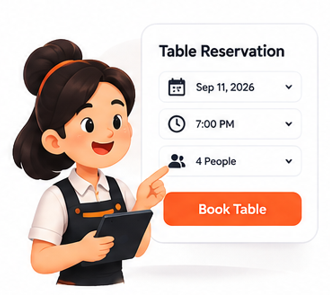
Letting guests reserve a table online, picking a date, time and party size themselves, cuts down on phone calls during peak hours and gives hosts a clear, organized view of the floor before the first table even arrives.
Turn regulars into repeat business
A loyalty wallet that awards points automatically on every bill - and a simple post-visit feedback prompt - give restaurants a low-effort way to keep guests coming back and to catch service issues before they turn into a bad review.
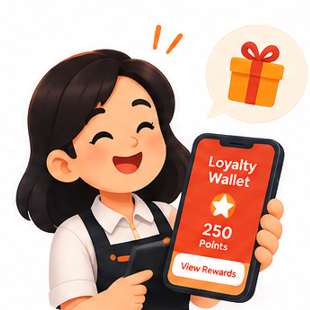 Loyalty & Rewards
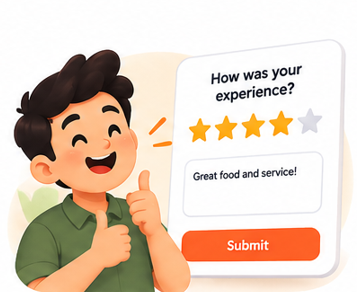 Customer Feedback
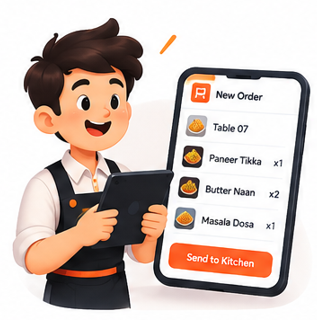 Order to Kitchen
Choose a system that fits your restaurant
Map your current workflow and list essential needs: billing, order handling, KOT, inventory, reports, table management, staff access, supplier records, and multi-outlet reporting. Consider usability, training, support, security, and how data is backed up.
Key takeaways
- Billing, KOT and inventory should live in one connected system, not three separate tools.
- A Kitchen Display System keeps prep moving without printed tickets or guesswork.
- Contactless payments and self-service reservations reduce staff workload during peak hours.
- Reports are only useful if the underlying billing data is accurate and consistently entered.
- Loyalty and feedback tools are the easiest way to turn a good visit into a repeat one.